Blockquotes
How to add this component to the page
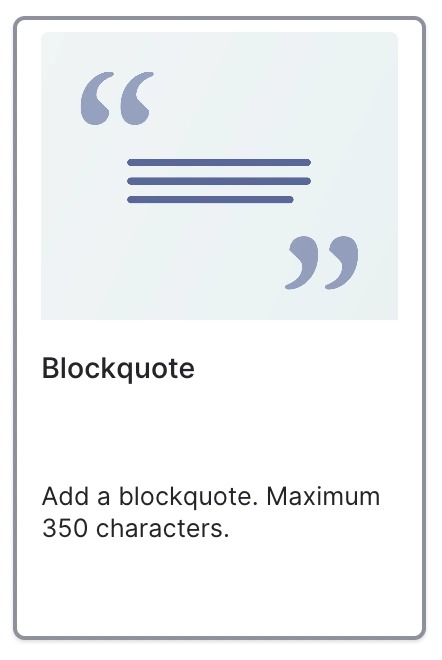
1. Go to the page you want to edit, or the page you have created. In the Main content section select the "+ Add" button. Choose the "Blockquote" component.
2. Add a quote (maximum 350 characters). Quotes over 160 characters display in a smaller, condensed style.
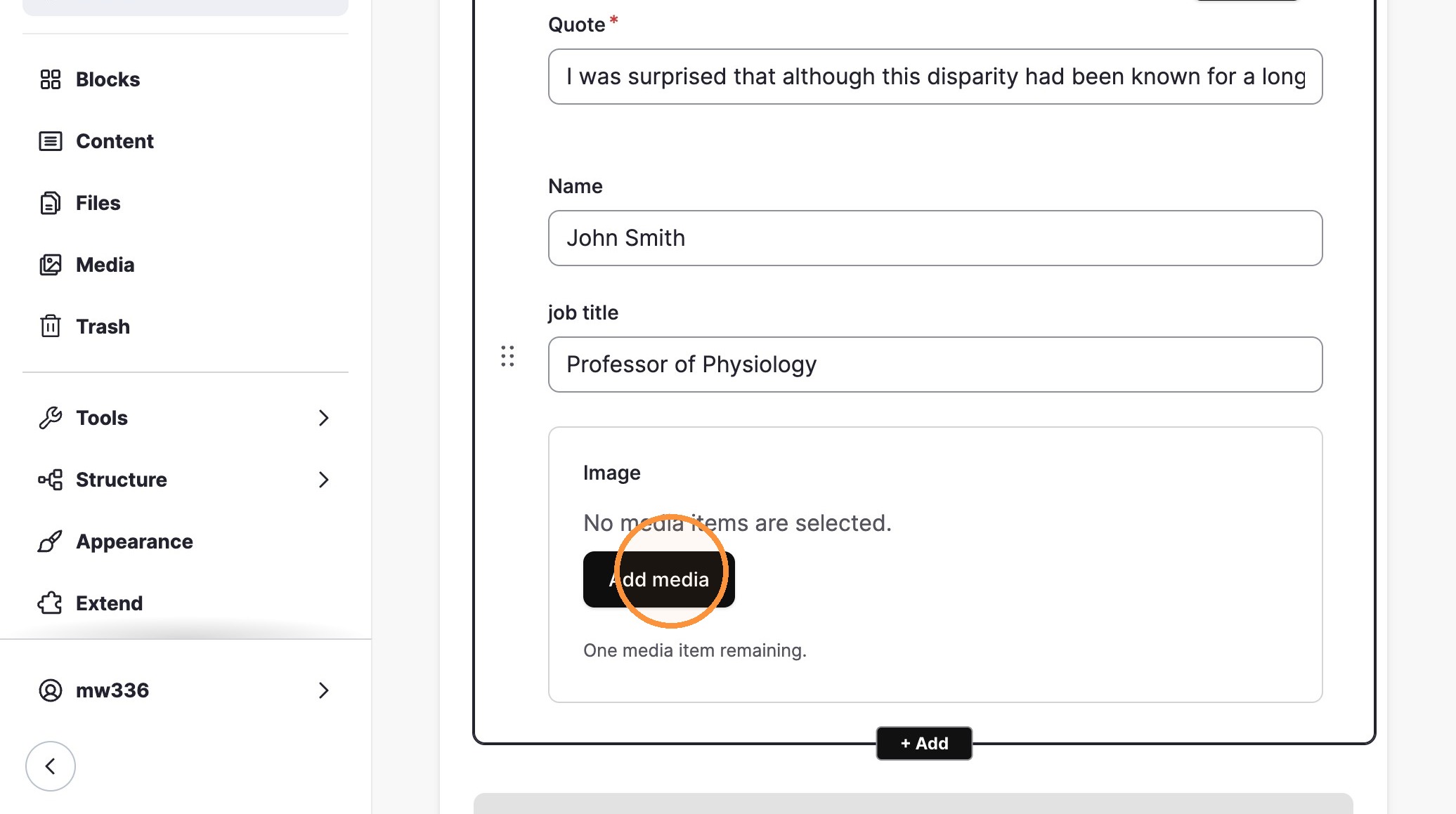
You may also include the person’s name, job title, and photo to show who the quote is attributed to. To add an image, click "Add media".
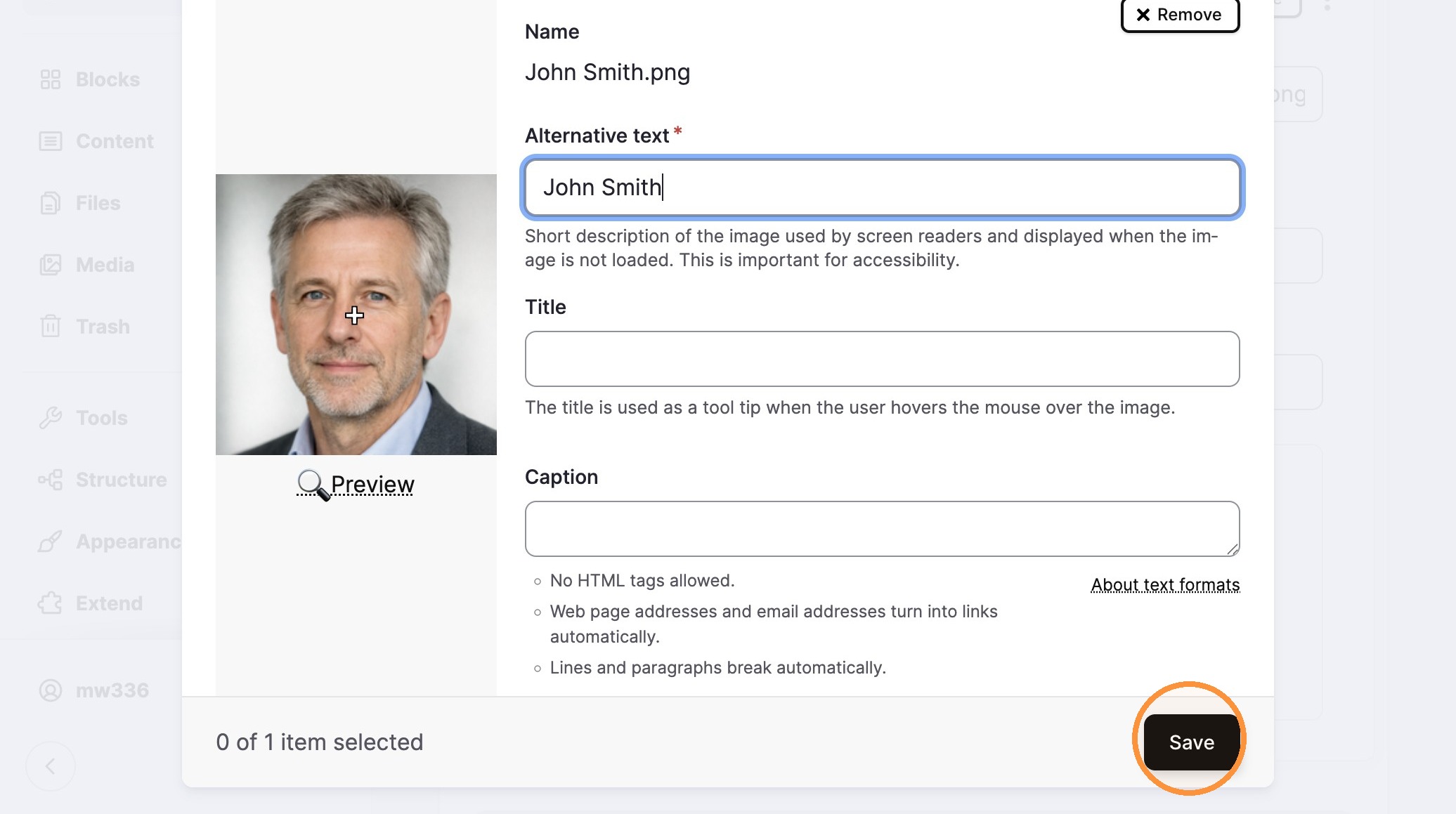
3. Select "Choose file" and upload the image. Add alternative text for accessibility reasons. Click the "Save" button then "Insert selected".
4. When your blockquote is ready, click the "Save" button.
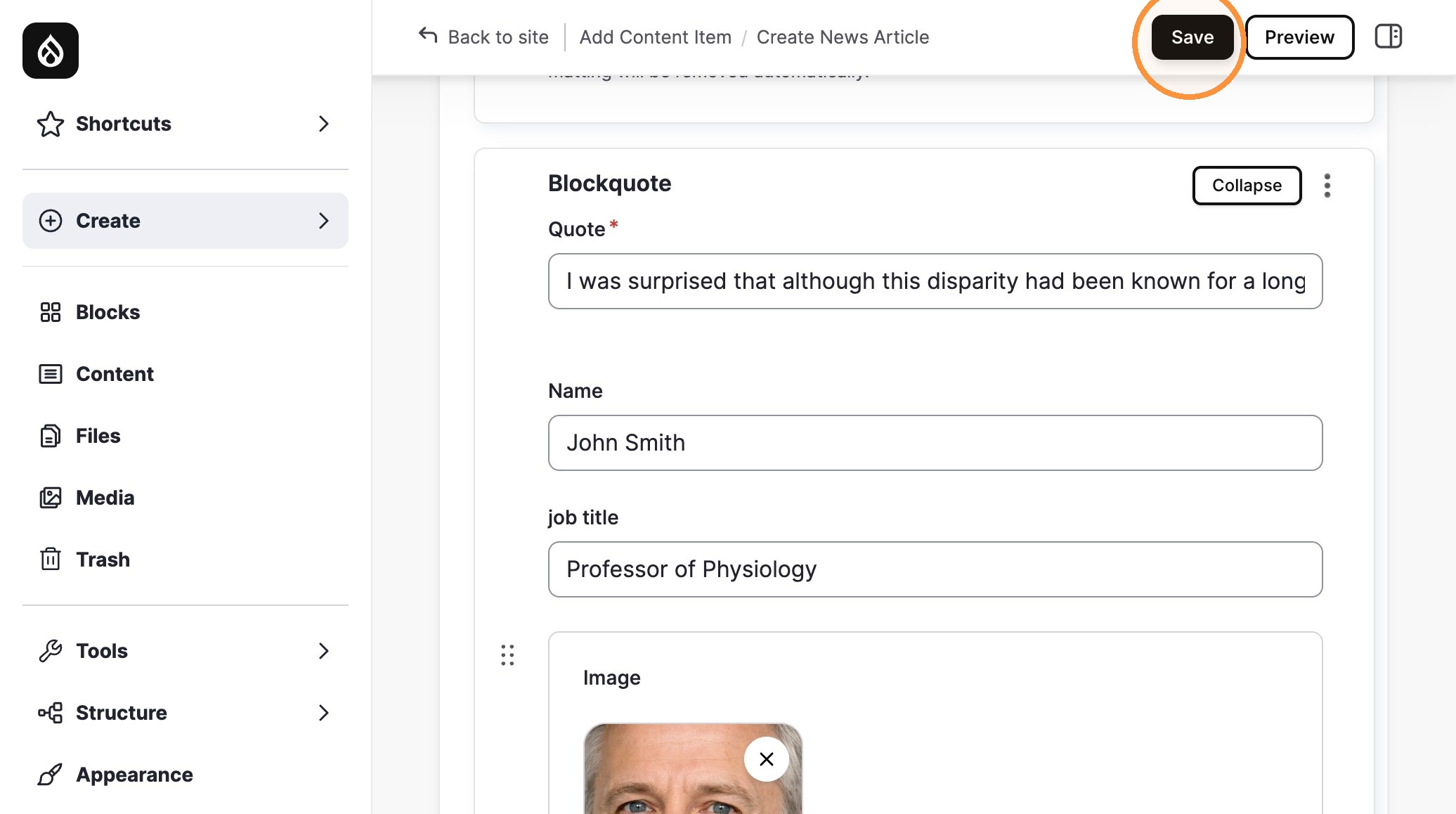
5. The new blockquote section will appear on the webpage.