
Adding an Editor
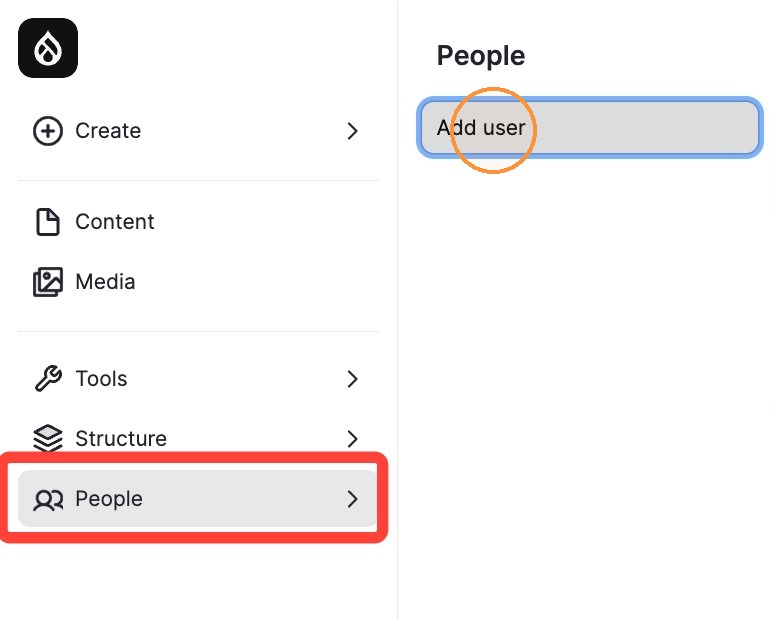
1. Hover over "People" in the admin menu on the left-hand side. Click "Add user"
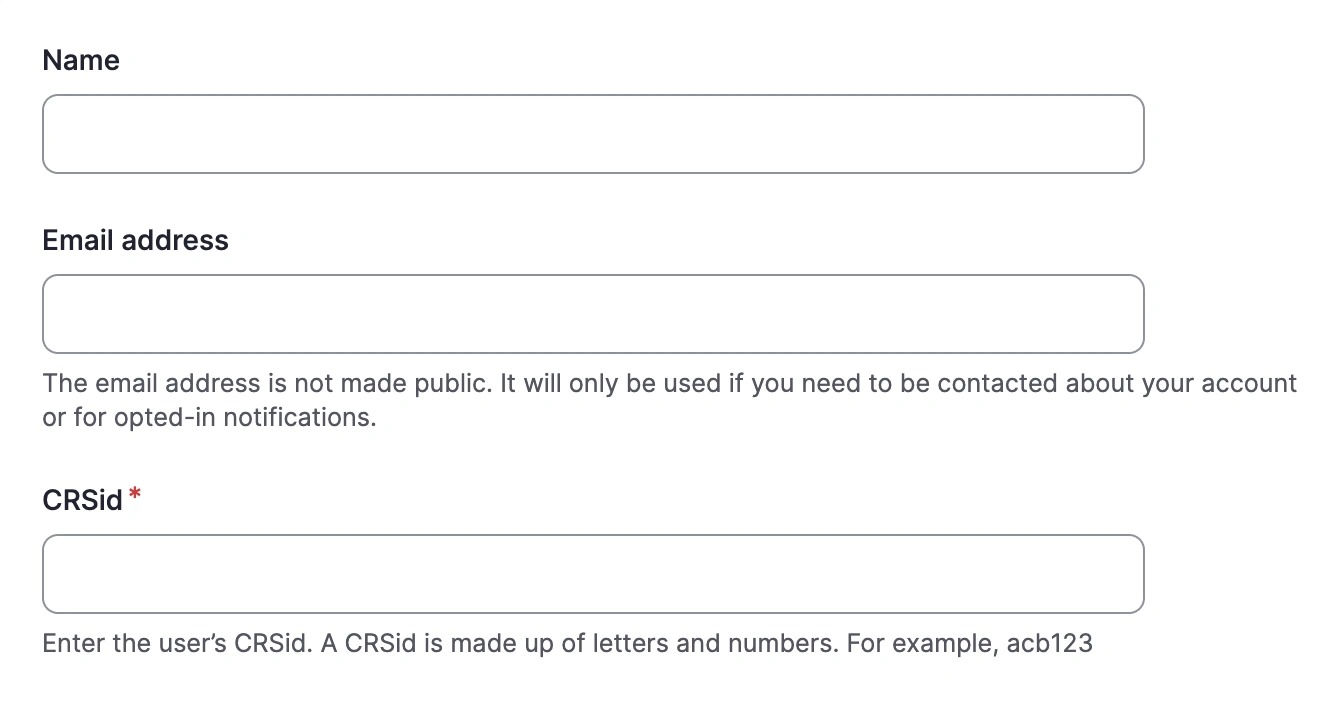
2. In the CRSid field, enter the person's CRSid. For example, "abc123". You can also add the name and the email address of the person.
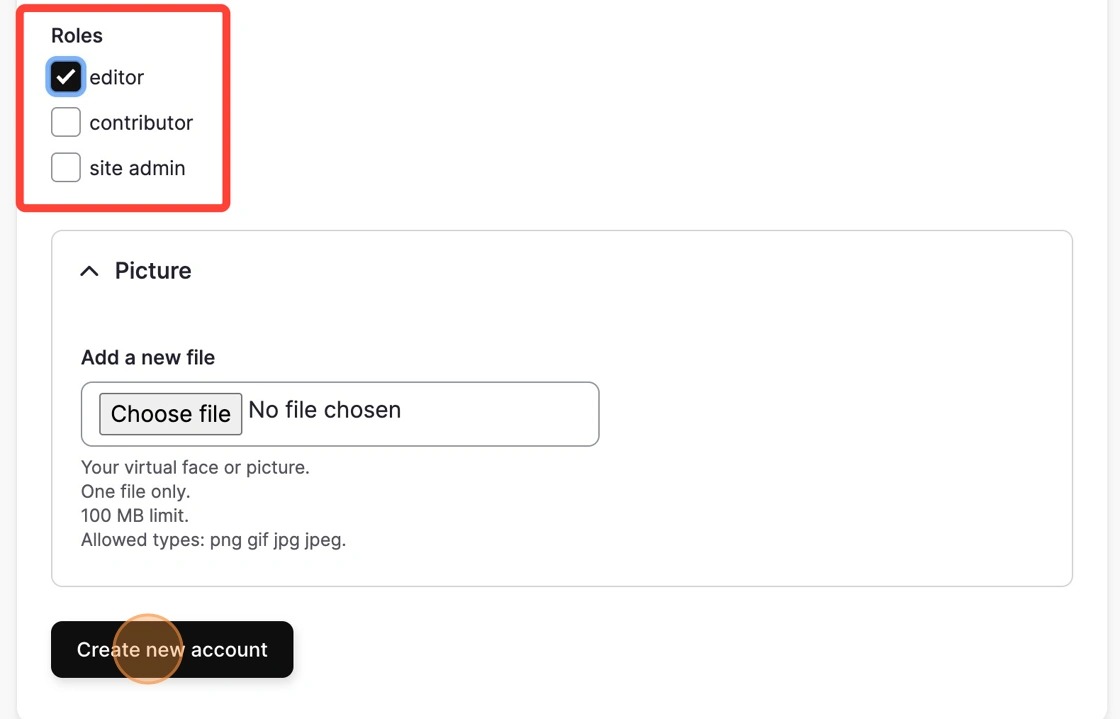
3. Choose a role: Editor, Contributor or Site Admin..
- Editors can create, edit, and publish pages.
- Contributors can create and edit pages in draft form but cannot publish them.
- Site Admins can create, edit, and publish pages, as well as add new editors.
Click "Create new account".
4. The new editor or site admin can now sign in to the website by going to yourdomain.cam.ac.uk/user. For example, www.hr.admin.cam.ac.uk/user
They will see a redirect asking them to sign in with their University IT account.
Video instructions
Watch step-by-step video instructions on Scribe.how.