
Hiding overview pages
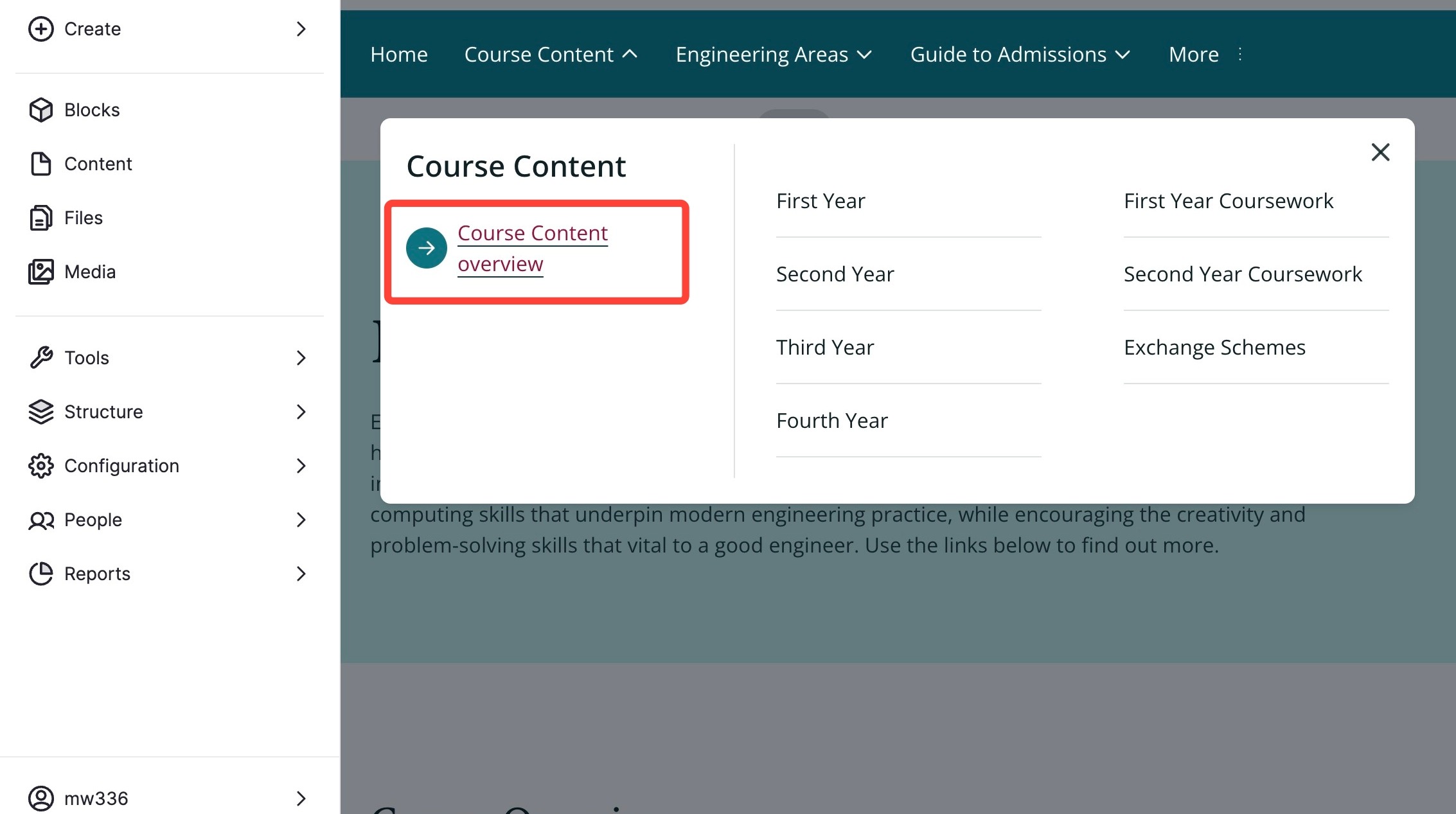
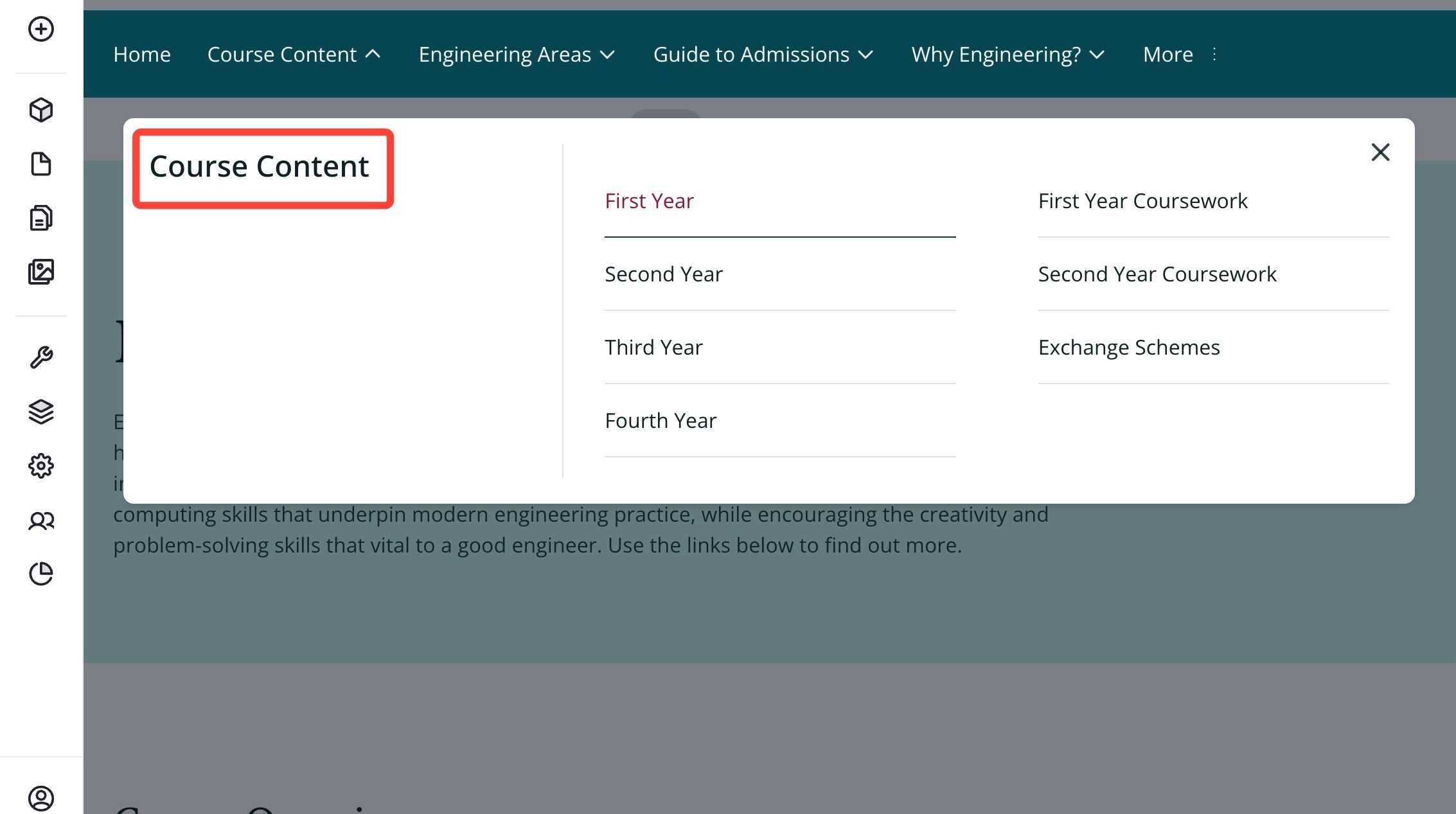
1. When you add a page to the main navigation, an overview page is created automatically - but only if there’s at least one subpage underneath it.
You can hide these overview pages so that only links to the child pages appear in the menu.
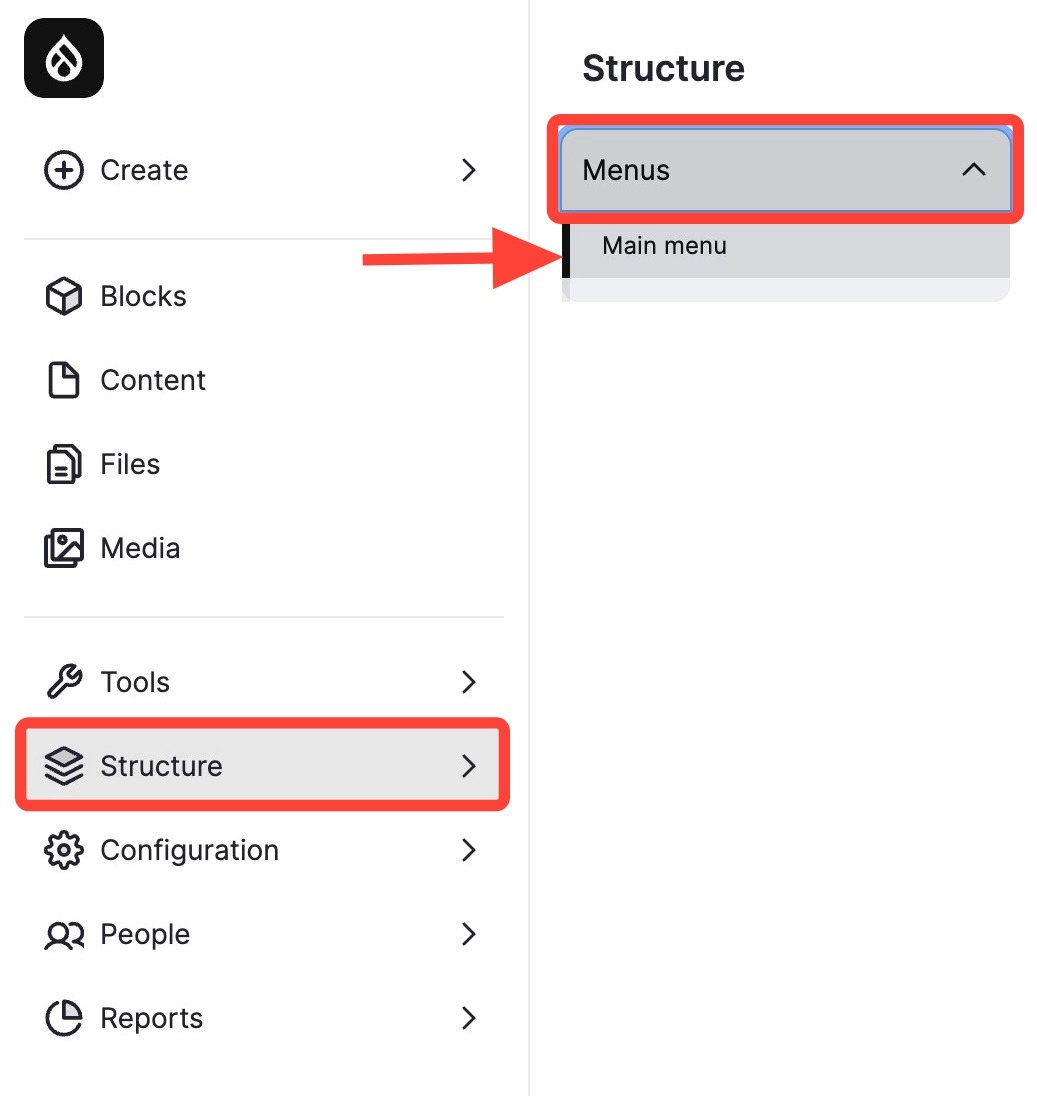
2. Hover over 'Structure' then 'Menus'. Select 'Main menu'.
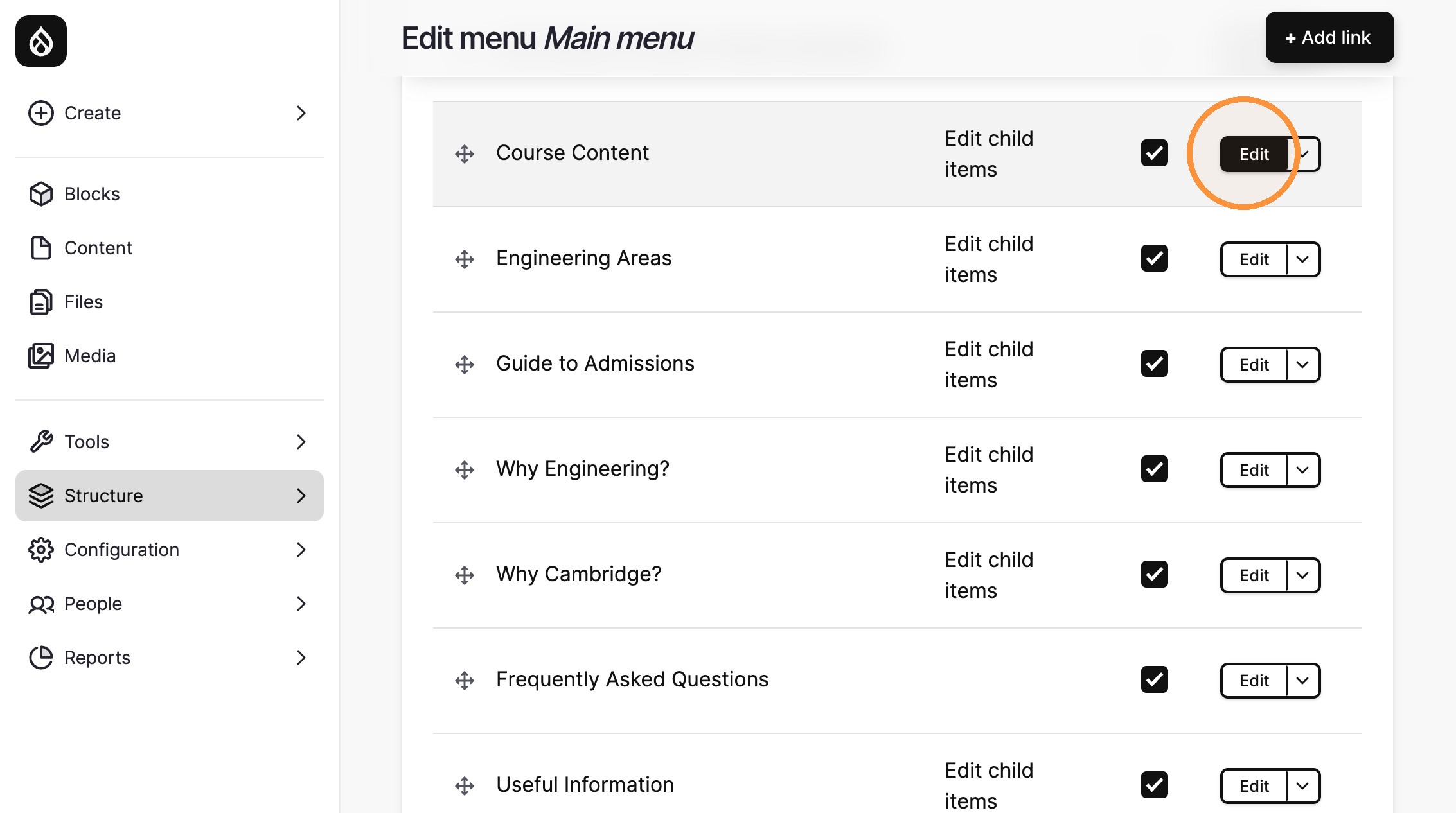
3. Find top-level page in the main menu list and select 'Edit'.
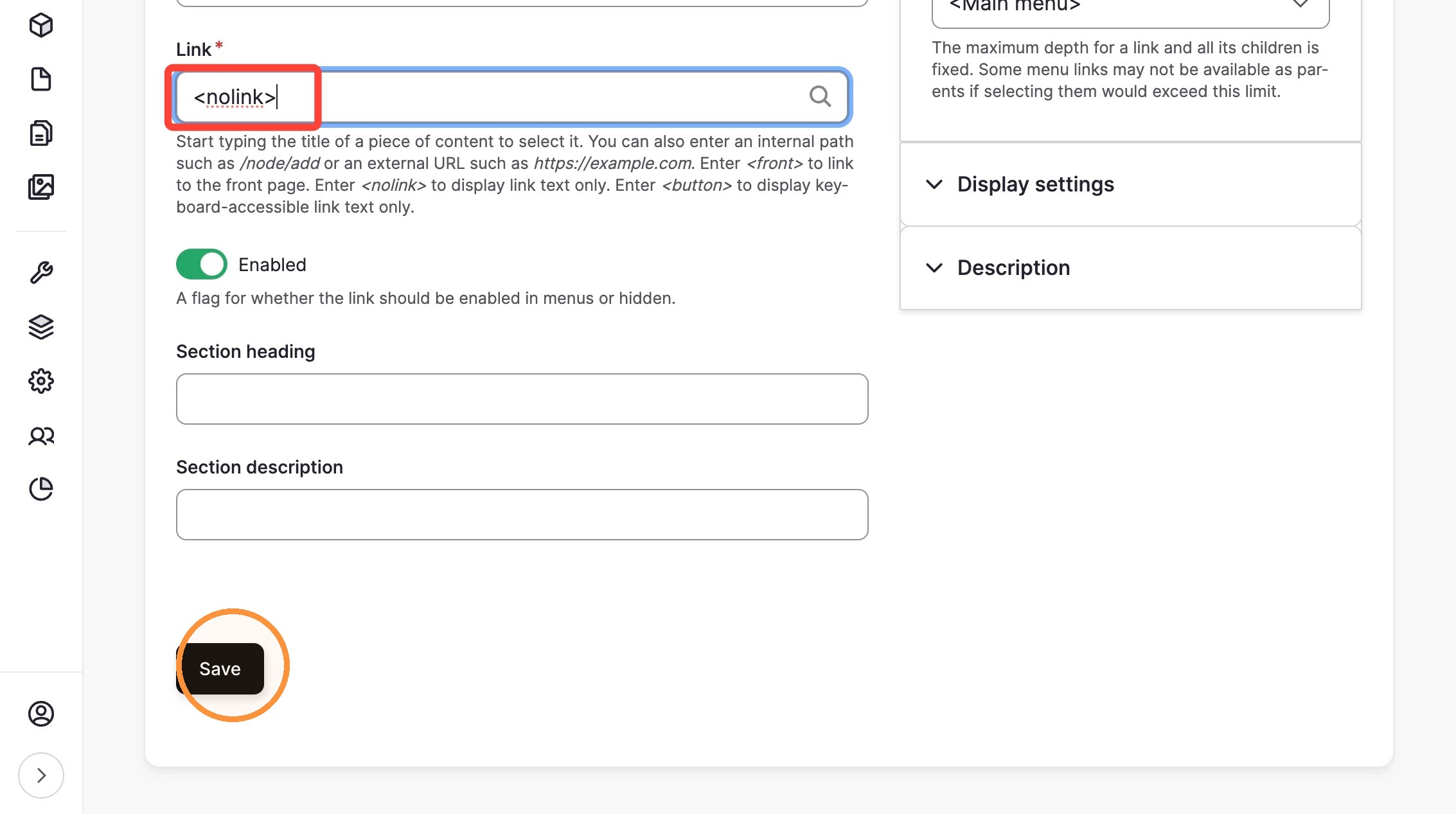
4. Change the Link to <nolink> and save it.
5. Once these steps are completed, the overview page will no longer appear in the navigation.
Video instructions
Watch step-by-step video instructions on Scribe.how.