
Redirects
When to add a redirect
Deleting a page
When you delete a page, you need to create redirect.
A URL redirect is a way to forward users from a page that no longer exists to a page that does. This way your visitors won't end up on a blank page that says it no longer exists.
You can decide the most appropriate page to redirect each page to.
How to add a redirect
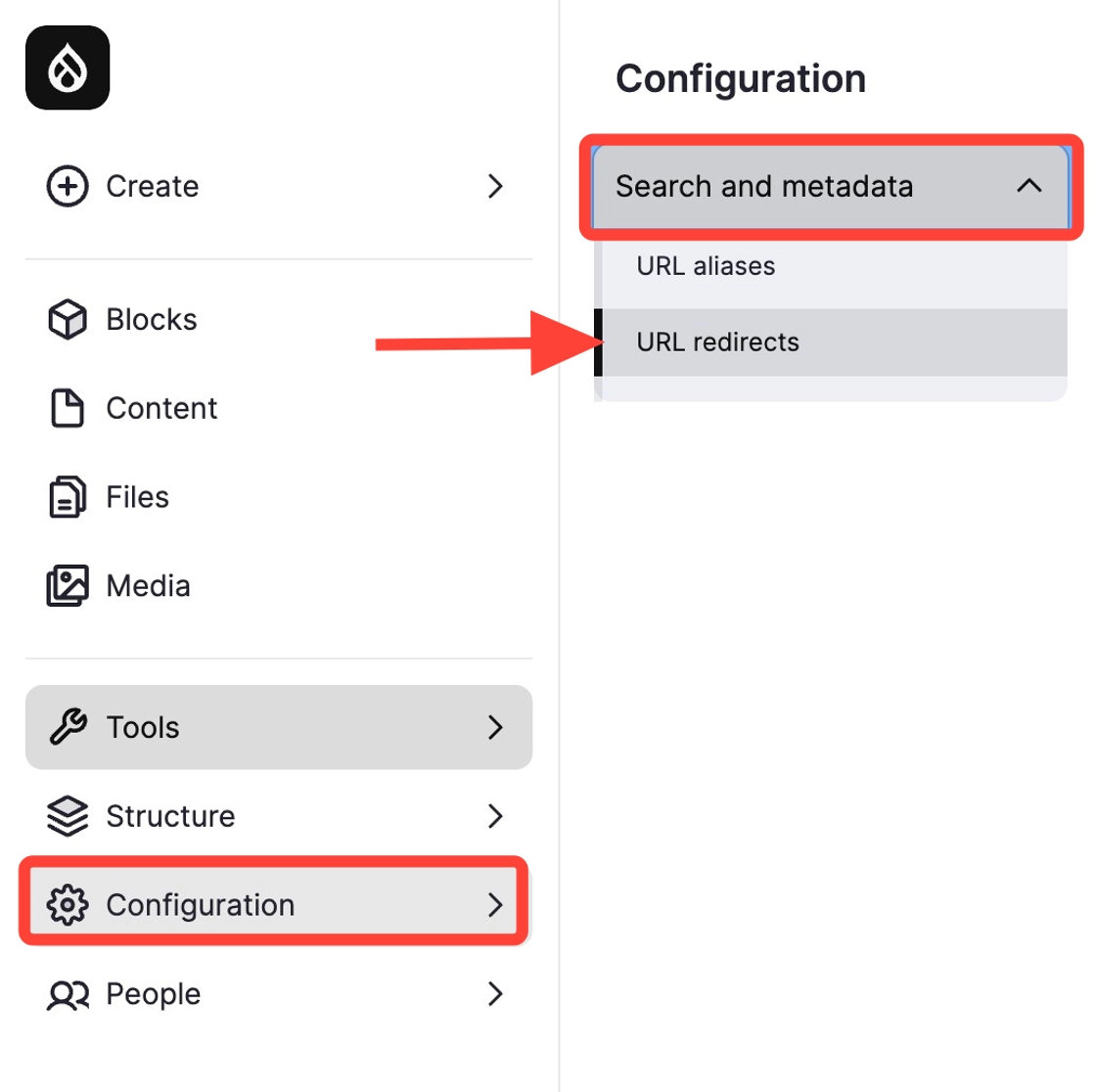
You need to delete the page before adding a redirect. To add a redirect, select the 'Configuration' tab. Choose 'Search and metadata' and then click on 'URL redirects'.
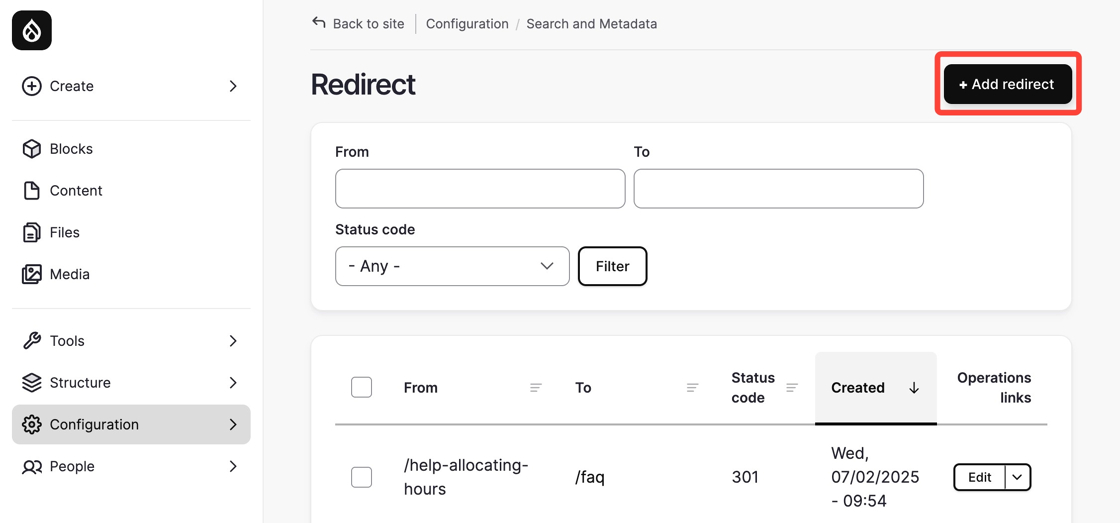
You will see a list of redirects on your website. Select "+ Add redirect" at the top of the screen.
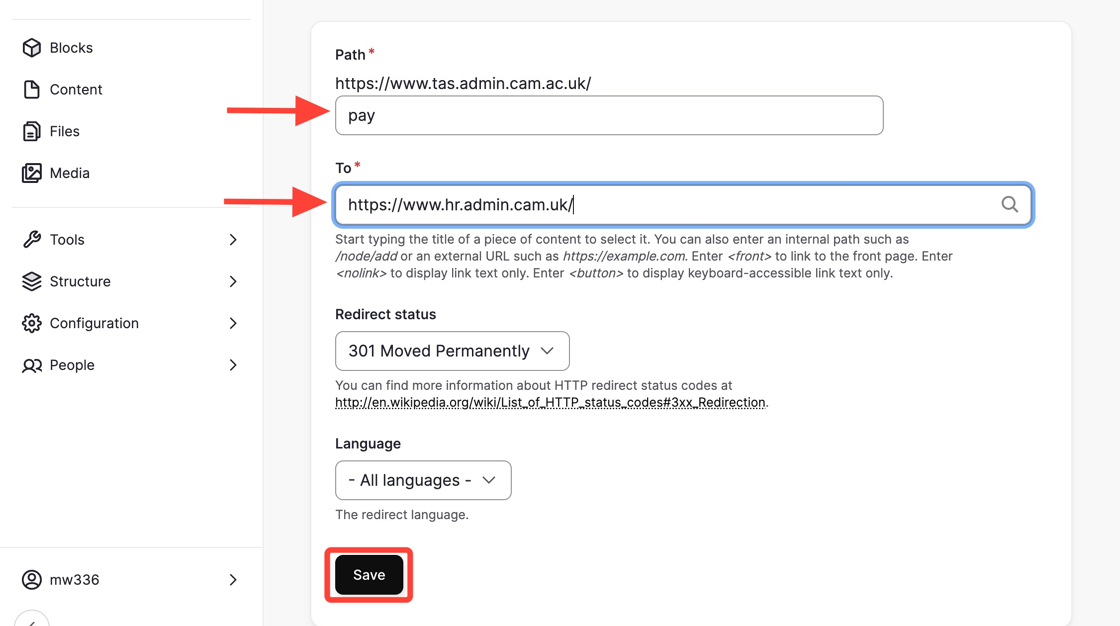
Provide the old URL, or your preferred short one, and the new URL. Select 'Save'.
Test your redirect to make sure it works properly.