
Events feed on the homepage
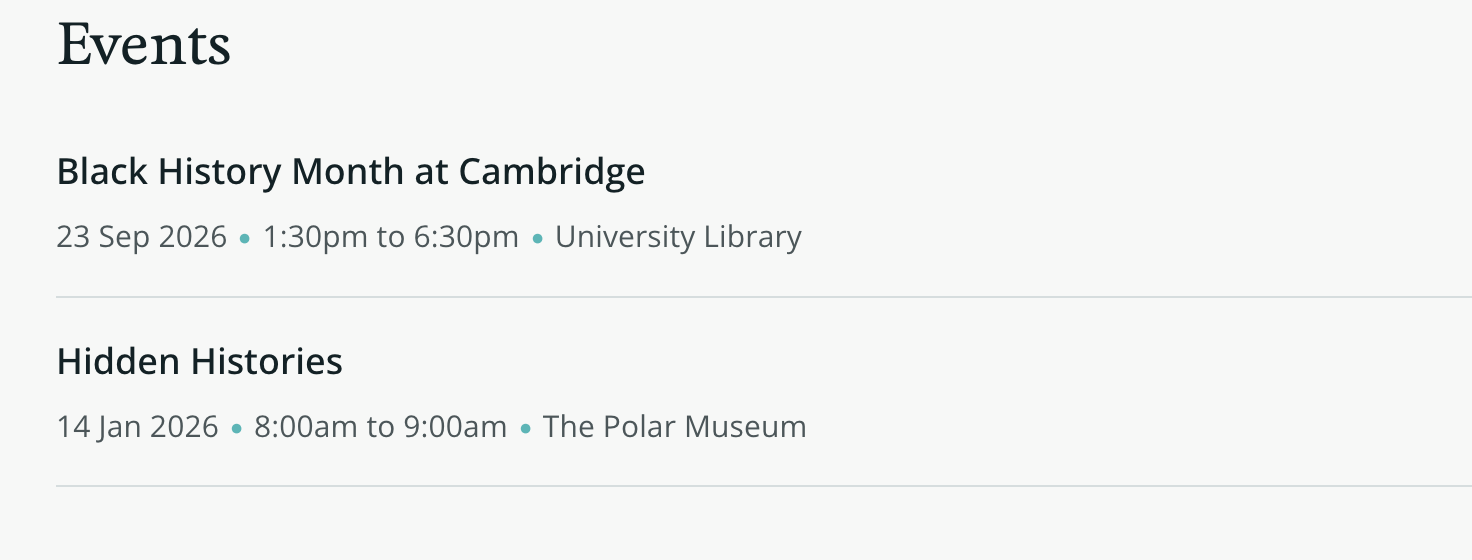
You can display a list of recently published events directly on your homepage. This list is automatically populated with the events content from your site.
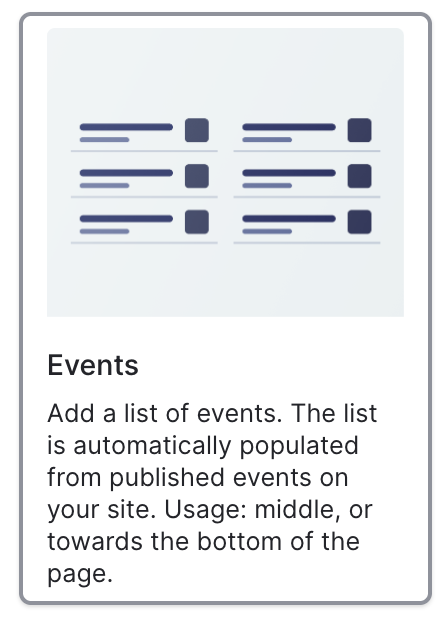
To add the Events list, click the "+ Add" button in the Main Content section. From the available options, select "Events".
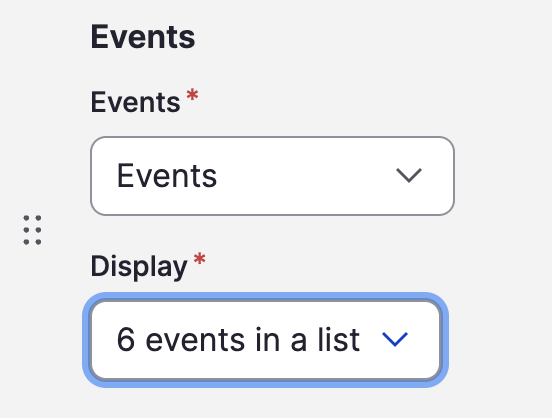
Select the value "Events" in the Events field, and "6 events in a list" in the Display field.
Once the Events component is added, scroll to the top of the page and click "Save".